Ri-Zent
Ri-zent - Intelligent File Management (MAC Desktop)
Ri-zent - Intelligent File Management (MAC Desktop)

The 11 tools (Organize, Move & Sync, Zip Cleaner, Disk, Cleaner, Photos + AI reference search, Uninstaller, Backup, Documents + AI rename, Updater, Reports).
System requirements (Windows 10/11 or macOS 12+, 4GB RAM minimum).
What's included: One license, one device, AI features available for Photo and Document Organization!
No subscription! One time buy!
System Requirements
Processor: Apple Silicon (M1–M4) or Intel
Memory (RAM): 4 GB minimum, 8 GB recommended
Disk Space: 150 MB for the application itself (separate from the files it manages)
Permissions: Full Disk Access recommended (System Settings → Privacy & Security → Full Disk Access) so every tab can see all relevant files
Internet Connection: Not required for core features. Required for the Updater tab's update checks.
Automatically sorts files into folders by type — Documents, Images, Videos, Archives, and more — using rules you choose.
📦 Move & Sync
Moves or mirrors files between two locations in three steps — handy for consolidating scattered files onto one drive or an external/NAS backup.
🗜 Zip Cleaner
Finds empty or near-empty ZIP archives and empty folders cluttering your drive, with a preview before anything is removed.
⚡ Disk
Analyzes your connected drives and volumes and gives you quick access to platform maintenance tools.
🧹 Cleaner
Scans for temporary files, cache, logs, and other junk that's generally safe to remove, with a minimum file size filter so you only see items worth bothering with.
📸 Photos w/AI Features
Finds blurry photos and duplicate images, groups photos by the people and events in them, and can search your whole photo library for a specific person, object, or place using one reference photo you upload. Every result shows an actual thumbnail, not just a filename. Two things in the Photos tab finding people/events automatically, and searching for a person, object, or place using a reference photo use a small AI component built into Ri-zent.
🛡 Uninstaller
Scans every installed app and divides it into clear sections instead of one long list. “My Software” and “Store Apps” are shown by default — these are safe to browse and remove freely. “System & Drivers” stays hidden behind an explicit “Show Advanced” toggle, because removing something from that section can affect Windows/macOS itself or hardware that depends on it; Ri-zent asks for an extra confirmation before removing anything from there.
💾 Backup
Backs up chosen folders to an external drive, NAS, or any folder, with quick presets for common locations plus support for adding your own custom folders.
📄 Documents
Scans your documents (PDF, Word, Excel, text) and reads their actual content — not just the filename — to detect dates, senders, and document type across a broad built-in recognition system covering invoices, contracts, worksheets, manuals, tax forms, resumes, and more.
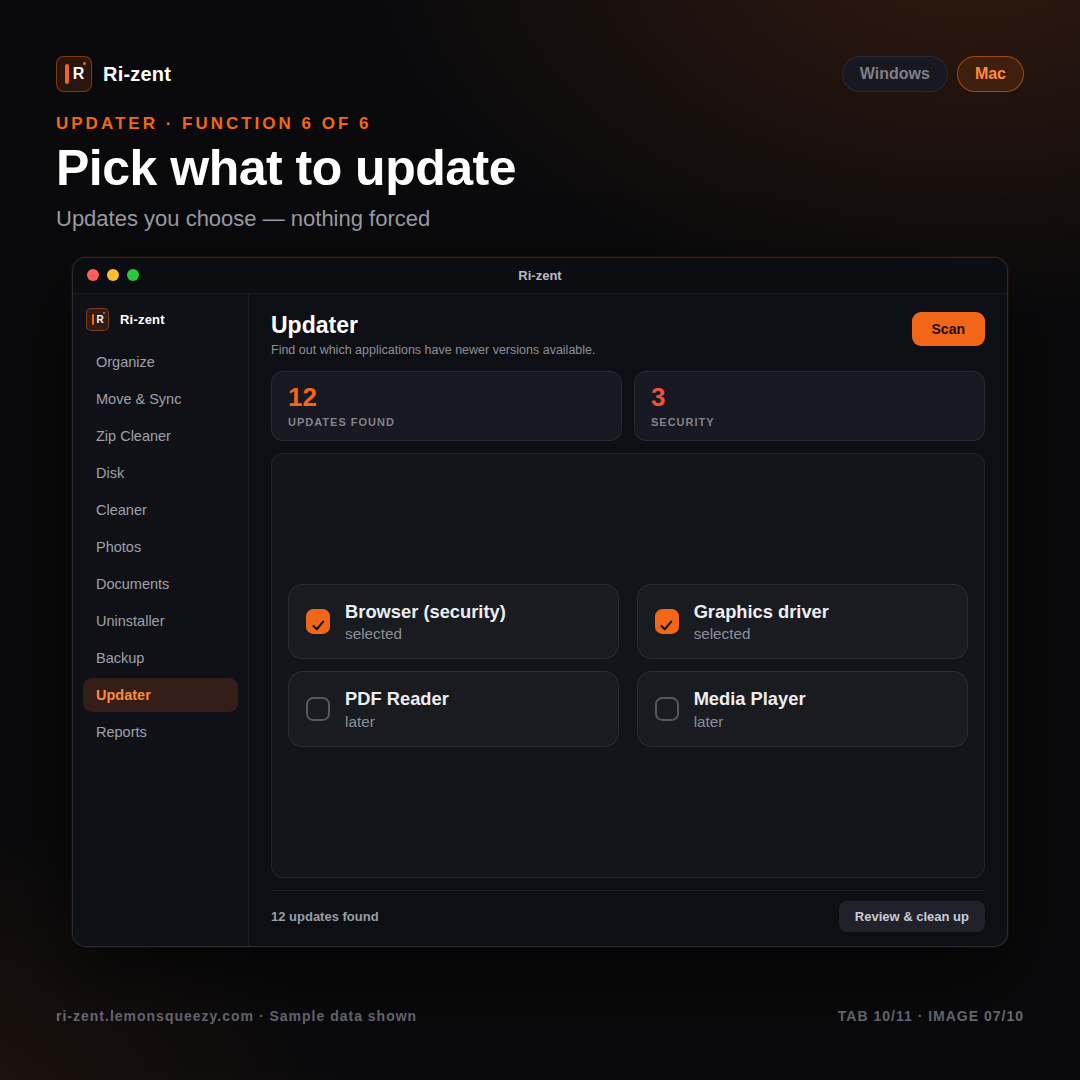
🔄 Updater
Reads your hardware profile, then checks for software and driver updates. Driver updates are only ever shown when they're verified — either because a real device problem is detected, or because a newer driver is confirmed to genuinely exist for your hardware. An old driver that's simply been stable for years is not flagged just for being old.
📊 Reports
Generates a summary report of what Ri-zent has found and cleaned during your session, exportable to your chosen format and location.